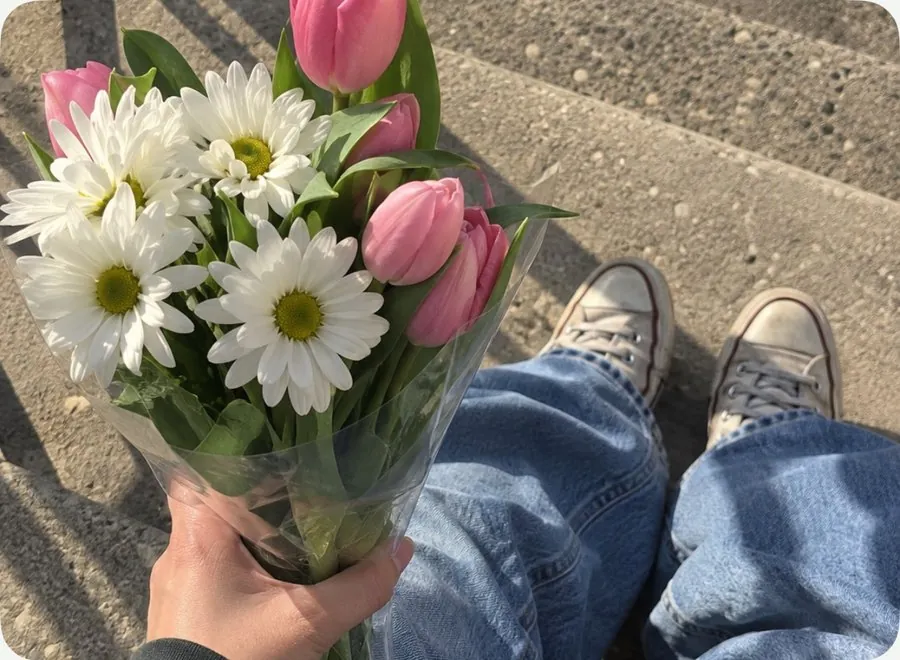
 OriginalFlashback
DIGI · 01
Flashback
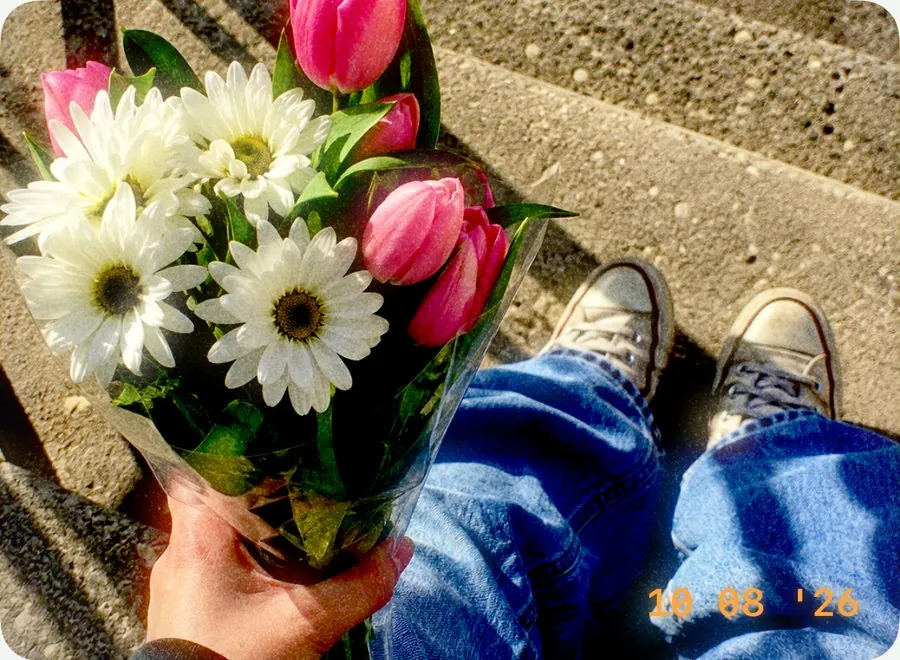
The early-2000s digital camera, flash on. Highlights bloom, shadows go crisp, and an amber date stamp in the corner shows the day the photo was taken.
Try it on: nights out, parties, pets caught mid-zoomie.
MochiBox / Looks
A Look is a one-tap style: color, camera character and sometimes a frame or stickers, all together. Drag across each photo below to compare it with the original.
OriginalFlashbackDIGI · 01
The early-2000s digital camera, flash on. Highlights bloom, shadows go crisp, and an amber date stamp in the corner shows the day the photo was taken.
Try it on: nights out, parties, pets caught mid-zoomie.
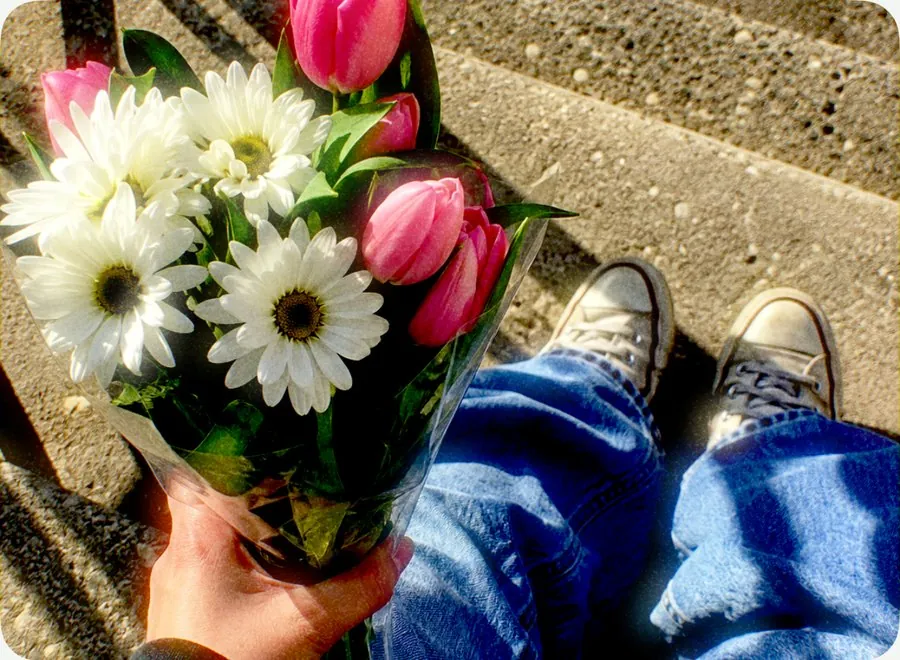 OriginalCCD Crush
DIGI · 02
The cool, vivid color of an old CCD point-and-shoot, with bright highlights and a little color fringing at the edges. No flash, no date stamp, just that sensor.
Try it on: concerts, city streets, sunny afternoons.
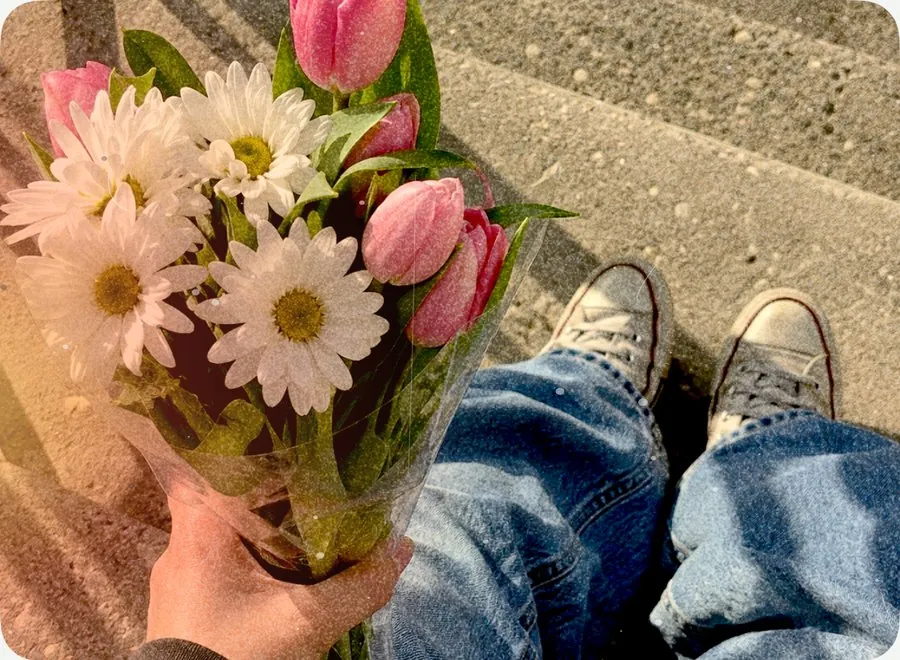 OriginalDisposable
FILM · 03
A cardboard camera from the drugstore. Warm color, a light leak creeping in from the edge, and a little dust and grain. Tap Shuffle to move the light leak somewhere new.
Try it on: beach days, road trips, summer anything.
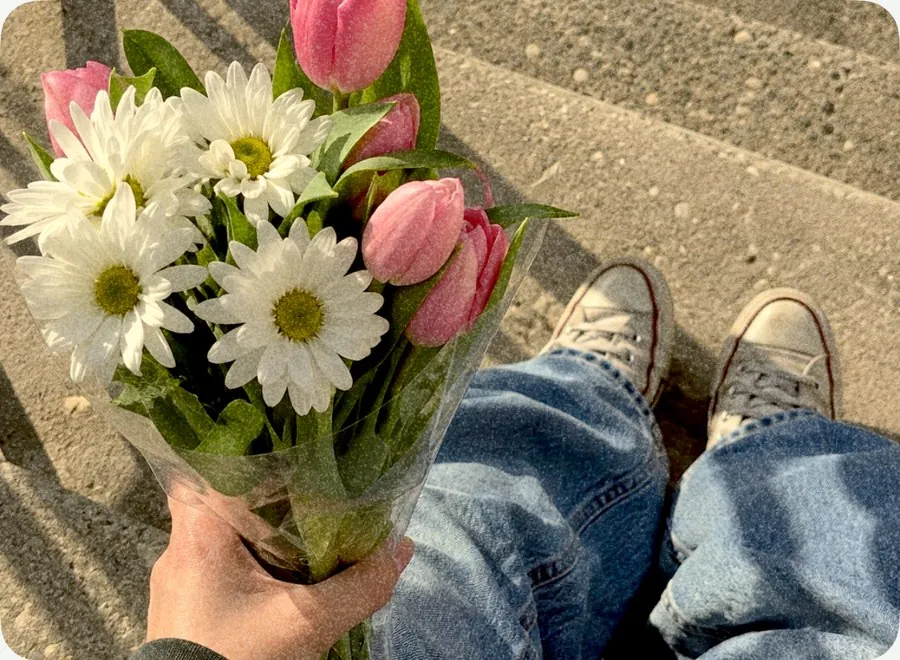 OriginalSunday Film
FILM · 04
Easygoing everyday film: golden tones, gentle blacks and a fine grain. It flatters almost anything without shouting about it.
Try it on: breakfast, slow weekends, everyday moments.
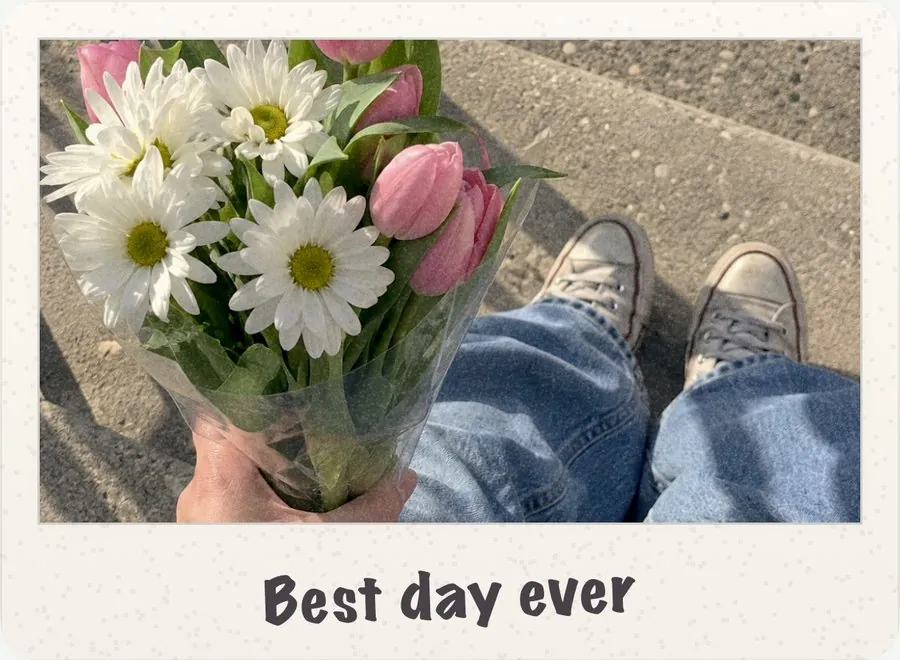 OriginalInstant
FILM · 05
Faded instant-film color inside a white Instant Print border. Tap the bottom margin to write your own caption in handwriting, up to 24 characters.
Try it on: portraits, pets, anything you want to label.
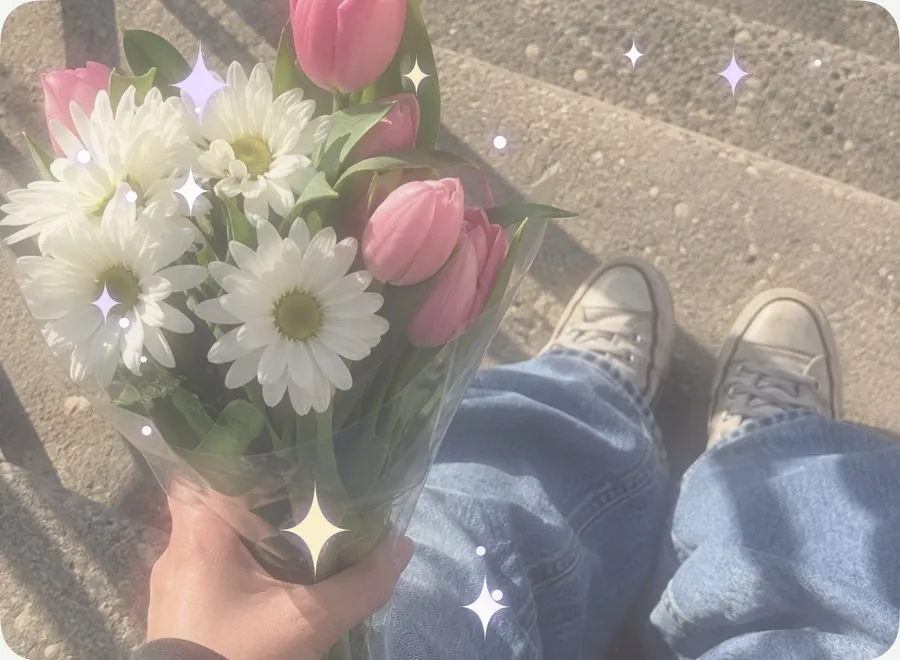 OriginalAngel Glow
DREAMY · 06
Soft, dreamy haze with a gentle glow and a scatter of sparkles. Shuffle rearranges the sparkles.
Try it on: flowers, sunsets, soft portraits.
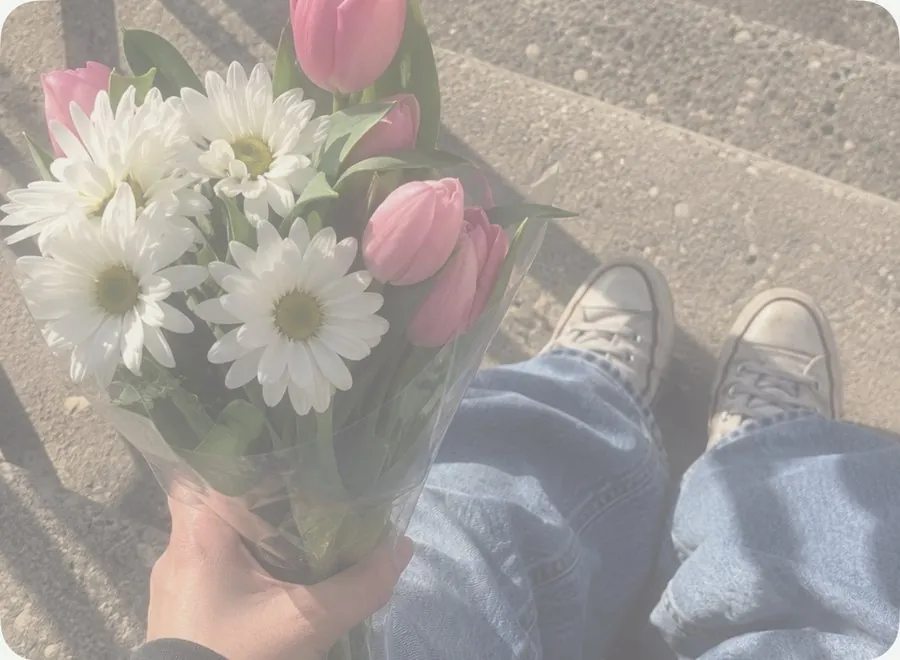 OriginalMochi Soft
DREAMY · 07
Squishy and sweet: rosy shadows, a creamy fade and a touch of soft focus.
Try it on: bedrooms, cafés, anything pastel.
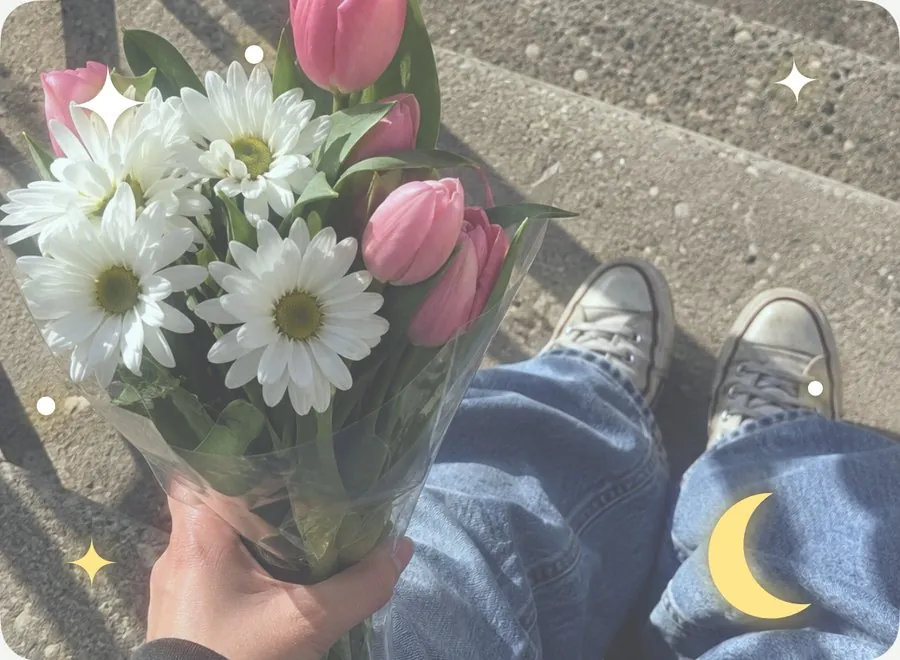 OriginalMoonbeam
DREAMY · 08
Cool, moonlit color with a soft glow, finished with Celestial stickers: a crescent moon, four-point stars and tiny dots.
Try it on: night skies, snow, water at dusk.
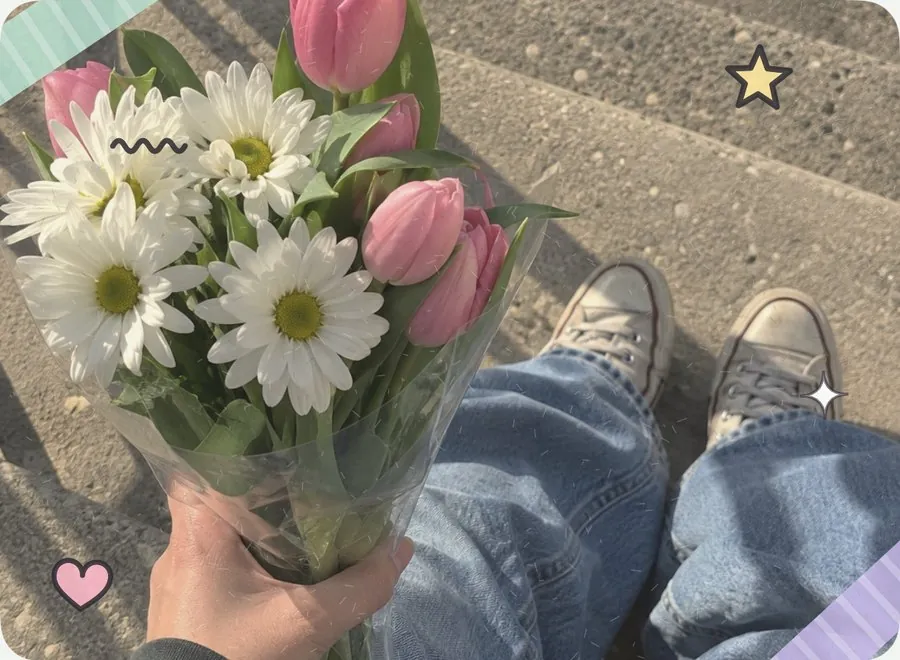 OriginalSticker Diary
SCRAPBOOK · 09
A page from your scrapbook: warm color, a hint of paper texture, washi tape and little doodles around the edges, never over the middle of your photo.
Try it on: days out, treats, crafts.
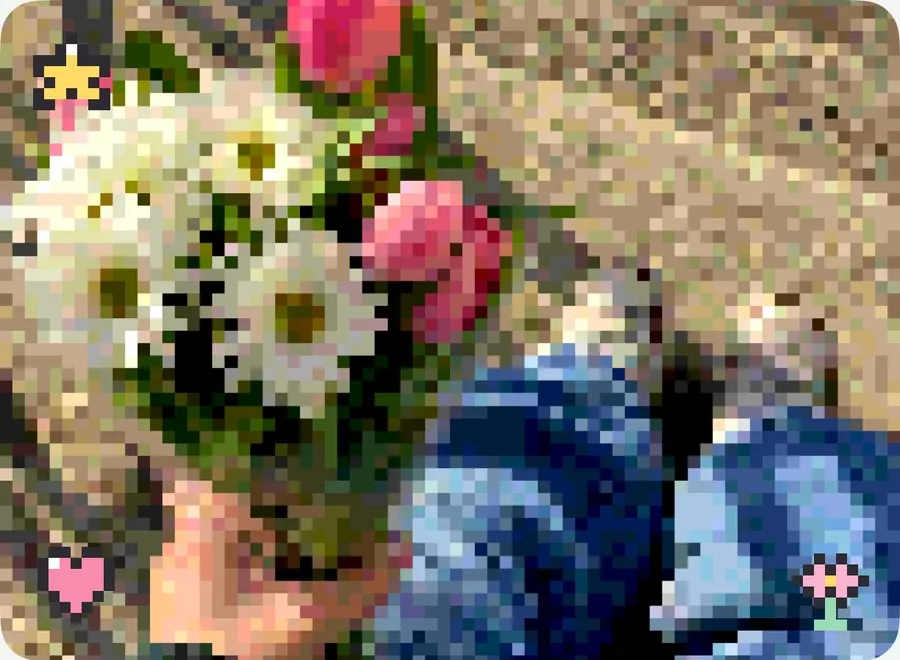 OriginalPixel Pet
Y2K · 10
Your photo as a handheld game screen: chunky pixels, a limited palette and tiny 8-bit charms.
Try it on: pets, games, anything playful.
Prefer a plain color filter? The Classic Looks change color only, with no stickers or camera effects.
Every Look has a Strength slider, so you can go from a whisper of color to the full effect.
Touch and hold “Hold to compare” under the preview to see your original photo, then let go to see the Look again.
For Looks with stickers or light leaks, tap Shuffle for a fresh arrangement. Stickers stay near the edges, away from the middle of your photo.
Touch and hold a Look to add it to Favorites. Favorites and your recent Looks appear first in the row. Tap Surprise me for a random Look.
Adjust brightness, contrast, warmth, grain and fade on top of any Look.
In an album, tap Select, choose several photos, then Edit → Edit Appearance to give them all the same Look. You can undo it right after, and each photo keeps its own crop.
Looks never change your original photos. MochiBox applies them to its own copy, and you can switch back to Original anytime.
$1.99 once, with every Look included. No subscription, no ads, no account.
Download on theApp Store